How to Create Stunning 3D Letters Online for Free
2025-08-07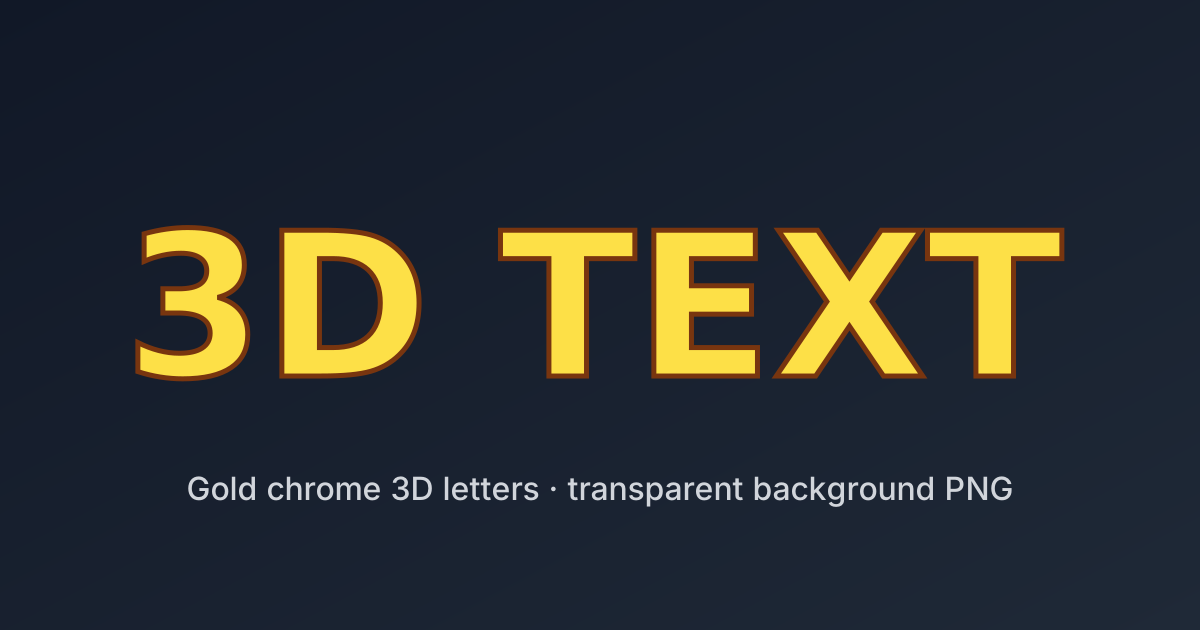
If you're looking to generate eye-catching 3D letters for your design, presentation, or content project, you're in the right place. Here's a simple step-by-step guide using Fast3DText, a free online 3D text generator that lets you design and export high-quality 3D letter images with ease.
🎯 Steps to Create 3D Letters
1. Open the Editor
Go to 👉 /editor
2. Enter Your Letters
Type the letters or words you want to turn into 3D. Separate each letter with a space to control individual layout.
Example: F A S T
3. Customize the Style
Choose your favorite:
- Font: Select from popular 3D-compatible fonts
- Background: Solid, gradient, or transparent
- Color: Solid fill, gradients, metallic tones, etc.
4. Adjust the 3D View
Drag and rotate the scene to change the 3D angle. Make your letters pop with the perfect perspective.
5. Export Your Image
Click the Download button to save your 3D letters as a high-quality image (.png) with a transparent background.